
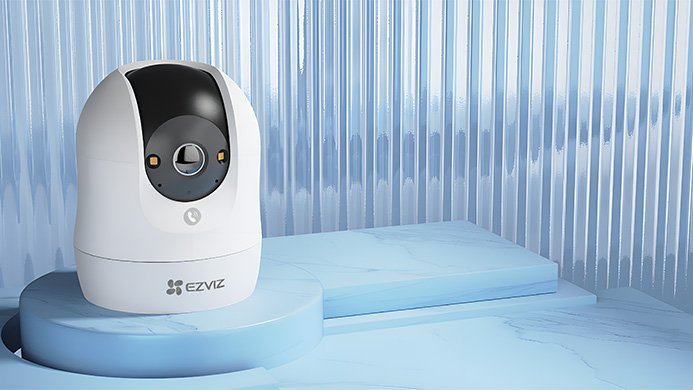
Ezviz Camera Connect With Wifi
Hold the Reset button for 5s in any of the following cases:
- The camera fails to connect to your current Wi-Fi network.
- You want to switch and connect to a different Wi-Fi network.
- The camera unexpectedly goes offline or becomes unresponsive.
- You are moving the camera to a completely new location.
- You need to re-pair the camera with your smart app.