
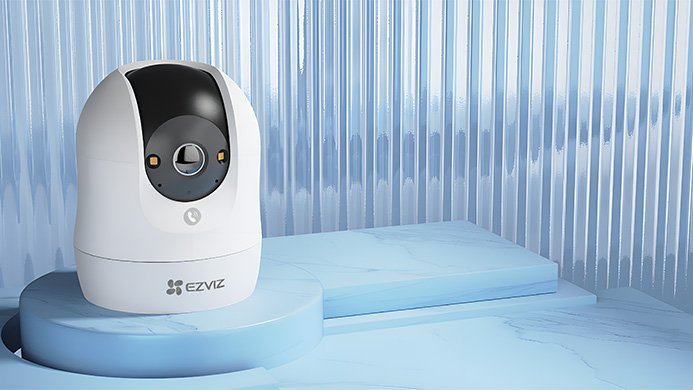

Ezviz Power On
To begin using your new Ezviz security camera, the first step is to establish a reliable power connection. Locate the power cable included in the box and plug the appropriate end securely into the designated port on the back or base of the camera unit. Ensure the connection is firm to prevent any accidental disconnections.
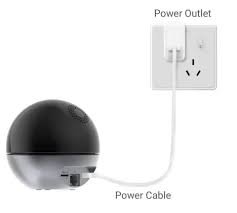
Next, take the power adapter attached to the other end of the cable and plug it into a standard electrical outlet. As shown in the reference figure, make sure the outlet is easily accessible and not controlled by a switch that might be turned off inadvertently.
When your smart security camera’s LED indicator begins fast-flashing blue, it is a crucial status signal. This specific light pattern confirms two important things: first, the device is successfully receiving power, and second, it has entered “Setup Mode” and is strictly ready for Wi-Fi configuration.
At this stage, the camera is actively waiting to be paired with your smartphone and home network. To proceed, you should open your camera’s dedicated mobile app and tap the option to add a new device. You will typically be prompted to scan the QR code located on the bottom or back of the camera body.